Fine-Tune Character Performance and Dialogue Timing Before Final Rendering
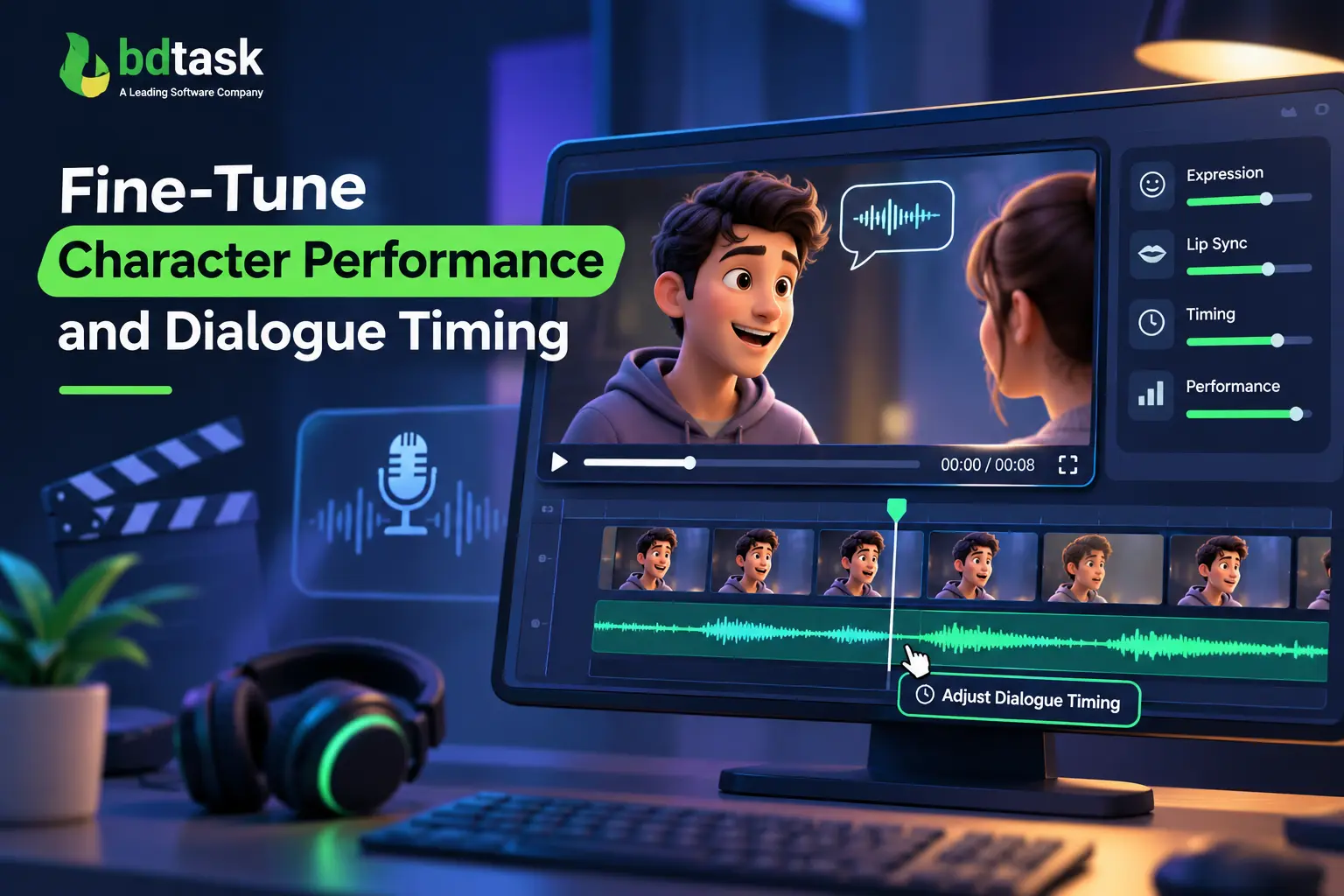
A great line delivered at the wrong moment falls flat. A glance that lingers a second too long changes the meaning of a scene. Character performance and dialogue timing are delicate, and they are exactly the things you want to test before paying for a final render.
Dreamina's Seedance 2.5 Draft mode makes that possible. This latest and most advanced video generation model lets you review performances in quick 480p previews before you generate a native 1080p final. Let's explore how to direct your AI actors with confidence.
Why Performance Is the Heart of a Scene
Audiences forgive a lot, but they notice when a character feels off. Eye contact, posture, reaction time and tone all shape believability.
Because performance is subtle, it deserves repeated review. With Dreamina, you can run several quick takes and choose the most natural one.
Meet Dreamina's Seedance 2.5 Draft Mode
Draft mode is the preview-first workflow of Seedance 2.5. You generate 480p Drafts, choose the best take and then create a fresh native 1080p final that reuses the Draft's prompt, references, seed, aspect ratio and duration.
Highlights for performance work:
- Dialogue and audio review: judge timing and delivery in the preview.
- Consistent results: subject motion and camera movement stay closely aligned with the final.
- Lower iteration costs: US0.514per5-secondDraftversusUS2.843 for a 1080p final.
- Faster finals: 39.3%-57.7% faster than direct 1080p in tests, excluding Draft time.
Direct Your Scene in Three Steps
Here is your director's workflow with Dreamina and Seedance 2.5 Draft mode.
Step 1: Create a 480p Draft
Start a Draft request with your scene description and any image, video, or audio references.
For example: A young woman speaks softly to a friend across a small cafe table at golden hour, pausing before the last word, a subtle smile appearing as the camera slowly pushes in, warm natural light, cinematic drama.
Set Draft mode on and choose 480p, the supported preview resolution. Wait until the Draft succeeds before reviewing the video.
Step 2: Compare takes and choose the shot
Next, fine-tune your settings by selecting a model, Seedance 2.5 Draft. You can also choose the size of the video, for example 16:9 for a YouTube channel or 9:16 for social media Reels. Lastly, select the duration of video you desire and click generate.
Step 3: Generate and review
Watch for composition, performance, camera movement, dialogue, audio, and pacing. Does the pause feel natural? Does the expression match the line? Refine the prompt or references and create new drafts when you want a different creative direction. Create a final-generation task using the same model. Click on "Generate in full quality" for a 1080p experience. When the task succeeds, download and review the newly generated final for continuity, lighting, and detail before delivery.
Expressions and Micro-Moments
Small movements carry big emotion: a blink, a breath, a half-smile. Draft previews let you check whether these moments appear and whether they feel earned.
When you review a Draft, look for:
- Natural eye movement and blinking
- Expressions that match the emotion of the line
- Reactions that arrive at believable moments
Dialogue Timing and the Power of the Pause
Silence is part of dialogue. A well-placed pause can make a line land harder, while rushed speech can make it feel flat.
Use Drafts to compare timing. Adjust your prompt to ask for a pause, a slower delivery or a quick reaction, then see which version feels most natural.
Syncing Audio and Movement
When you include audio references, check whether movement follows the sound. Lip movement, gestures and head turns should feel connected to what is being said.
Because Dreamina's Seedance 2.5 Draft mode reviews audio together with picture, you can catch awkward sync before the final render.
Camera Choices That Support Performance
The camera tells us where to look. A slow push-in can deepen an emotional beat, while a steady medium shot keeps a conversation calm.
Test a few framings in separate Drafts and pick the one that supports the performance rather than competing with it.
Multi-Character Scenes and Eyelines
With two characters, eyelines matter. If they look past each other, the connection breaks.
Use your Draft to check who is looking at whom and whether the spacing feels natural. A short prompt adjustment can fix many problems quickly.
Budgeting Takes Like a Director
Performance usually needs several takes. A typical 11-take workflow is modeled at about 73% lower cost than rendering every take directly in 1080p.
That means you can chase the perfect pause without worrying about every extra attempt.
Final Review for Continuity and Detail
When the native 1080p final succeeds, review facial detail, lighting, and continuity. Check that the performance you approved in the Draft still feels right.
Small differences can appear, so a careful look before delivery is worth the time.
Conclusion: Lights, Camera, Timing
Fine-tuning performance and dialogue is much easier when mistakes are cheap. With Dreamina's Seedance 2.5 Draft mode, you can test timing, expressions, and audio in 480p, pick the best take, and generate one native 1080p final.
Seedance 2.5, Dreamina's latest and most advanced video generation model, gives storytellers more room to get the moment right. Start a Draft today and direct your next scene with confidence

Contents



Pay With


